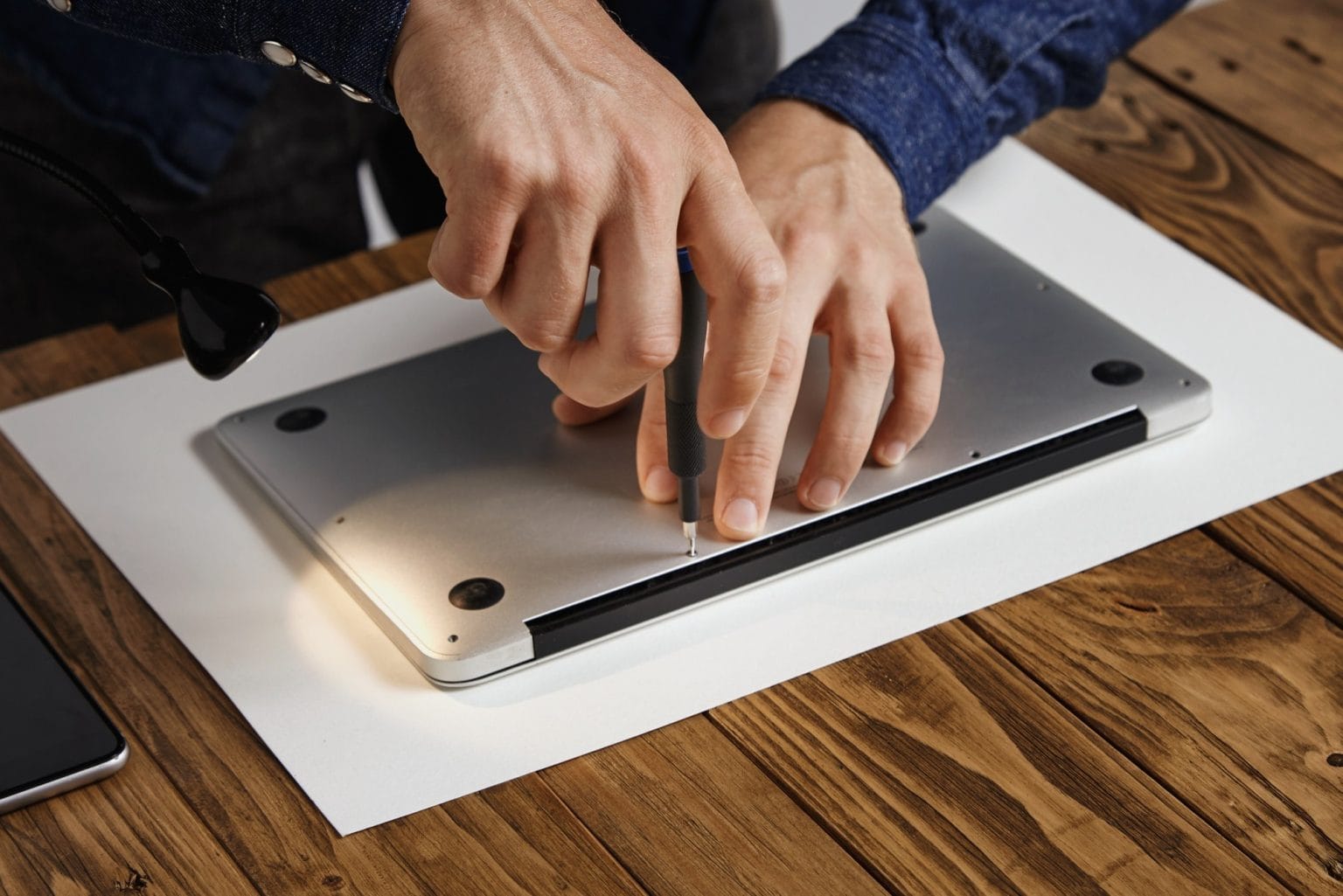
A laptop can have issues over time or simply cease to function without warning. This can be resolved by simple troubleshooting solutions, or with the skill and equipment of an expert technician. This knowledge can help you prevent things from getting worse and may even minimise repair time.
When people first seek out Laptop Repair Canberra, it’s typically when their laptop begins acting up. While online tutorials may offer tips on simple maintenance, not all malfunctions are suitable for the at-home repairer.
Frequent Crashes and Unexpected Restarts
A laptop that freezes, restarts without prompting, or shows error messages may be a more serious hardware or software problem. Not all these issues occur due to the operating system. These symptoms can be caused by any number of issues, including faulty memory, a failing storage drive or even overheating components.
It is sometimes necessary to cycle the power on and off multiple times to see if the problem has self-corrected; this too often causes further delay until the problem is properly addressed. A tech can perform thorough diagnostics and find out what’s going on behind the scenes.
Unusual Noises or Overheating
A laptop must not make excessive noise when in use. When clicking noises, excessive fan noise, or buzzing were not heard prior to, it is considered worth checking out the device.
Another red flag is excessive heat. Overheating can occur due to dust accumulation, dirty cooling vents, or damaged internal components. The laptop is operating in this state and may be placing additional stress on critical components.
Charging Problems That Keep Returning
A loose cable and/or power outlet can cause occasional charging problems. If your laptop consistently does not charge or only charges its battery when it is plugged in, however, the issue could be the laptop battery, charging port, or power circuits within the laptop.
With many modern laptops having delicate components, these repairs are sometimes very tricky to perform. Damage can be caused by not using the correct tools to take it apart.
Physical Damage Needs Careful Assessment
A cracked screen, a broken hinge, or a damaged keyboard is typically a greater challenge than it seems. A mere cosmetic problem could be the result of internal cables or other components beneath the surface.
Individuals seeking laptop repairs Canberra will find that it is possible to spot damage that they may have missed. If all associated issues are addressed at once, no problems will arise after the repair is completed.
Slow Performance Despite Basic Maintenance
When the laptop is slow in performance, many users would try to restart their laptop, delete unnecessary files, or update software. While these are good initial troubleshooting measures, if the laptop still has issues afterwards, it could be a problem.
Failing storage devices, low memory, software conflicts in the background, or cooling issues can all take a toll on performance. A technician can take the guesswork out of the situation and explore these areas rather than guessing.
Software Errors That Keep Coming Back
Sometimes software problems may be caused by hardware failures, and if these failures occur repeatedly, they may point to hardware failure. If the issue keeps occurring, programs are closing unexpectedly, and the operating system is becoming unstable, it may require more than a simple reinstall.
Professional diagnostics will determine whether the issue is a software or hardware problem, so that repairs are not carried out on the wrong issue and only temporary solutions are implemented.
Conclusion
Trying basic fixes at home can help, but hard or odd bugs often need a real pro. canberracomputerrepairs.com.au gives clear support for all kinds of laptop faults, helping folks spot the real issue and pick the right fix. Catching early warning signs and calling in expert help on time can stretch the life of your gear and stop far worse damage down the road.